 Fisch macro · macOS & Windows
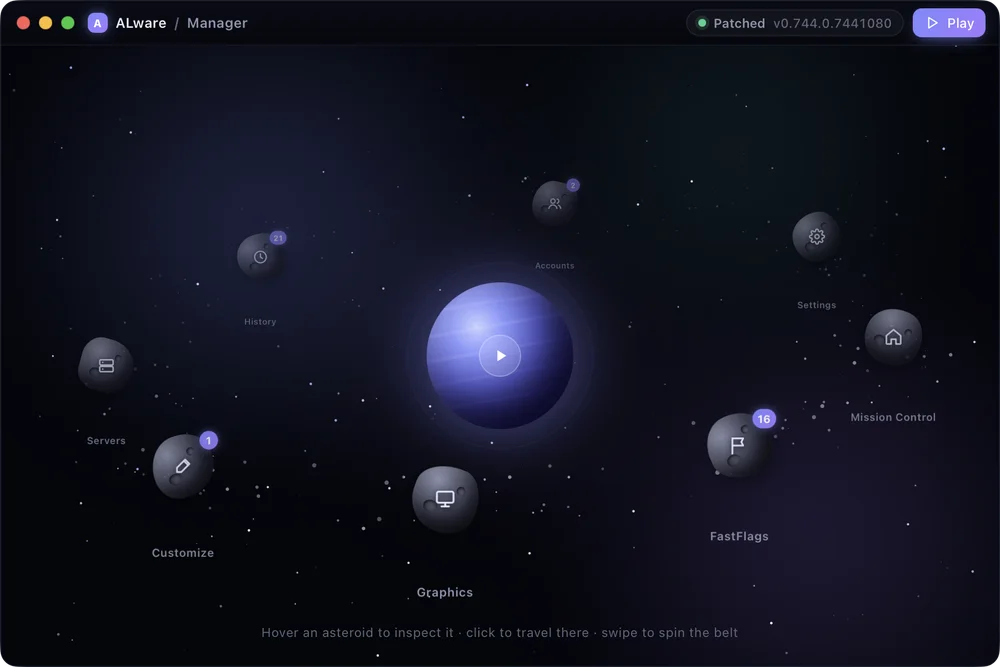
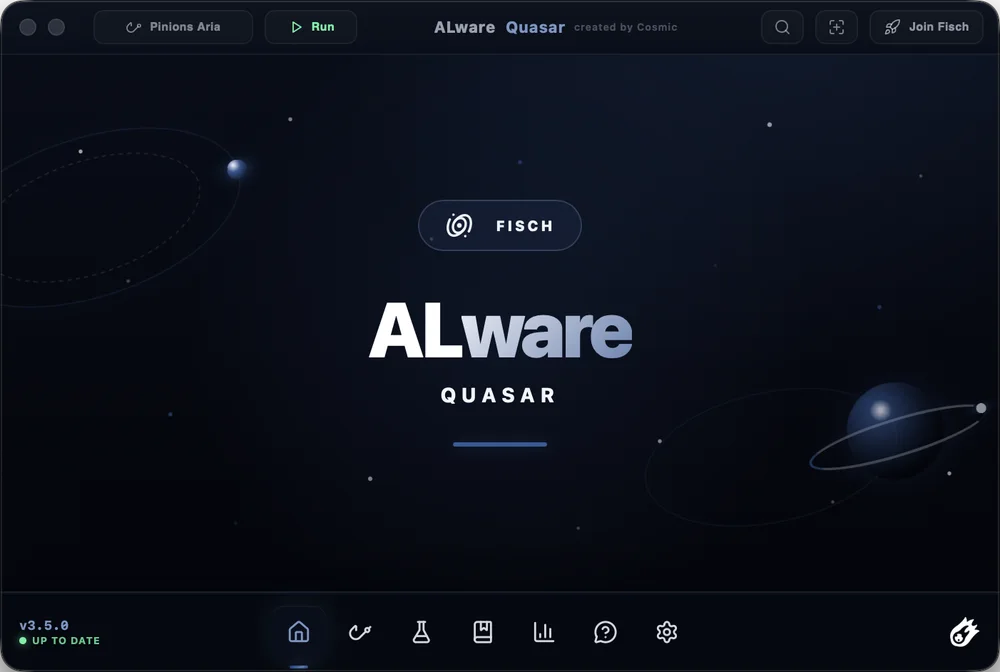
ALware Fisch Macro
ALware is a free, non-external, color-based macro for Fisch. It watches the colors on your screen to handle the fishing loop, and it runs on both macOS and Windows.
- Free to use
- Color-based detection
- Non-external
- Works on macOS and Windows
DownloadmacOS v3.5.0 · Windows v3.0
Apple SiliconM-series Macs · .dmgRecommendedIntel MacIntel processors · .dmgWindowsInstaller · .exeRecommended
What’s new in Quasar v3.5.0
- New rods. Lullaby, Halibut Harpoon, Tranquility Rod, Bellona’s Waraxe, Nate’s Blade and DreamBreaker.
- Auto Utility V2. Backpack search with adjustable typing speed, plus hotbar support. Keeperbound recharge now reads the power level instead of waiting a fixed time. Adds Auto Nuke, Auto Time Change, Auto Weather Totem and a Hunt Detector for every hunt, with notification and chat alerts.
- Status HUD rework. Shows catches and losses, current weather, surge, sovereign weather and more.
- Harpooning. Active mode snipes roaming fish automatically; passive mode clicks PULL buttons for you. Both have adjustable speed.
- Stellarwave Melody V2. 4× faster clicks, 3× more accurate tracking, adjustable click speed, a slight click drop to look natural, and 10–11 clicks per reel.
- Lullaby and Halibut. Auto Metronome and reeling work in every mode, with automatic harpoon catching.
- Discord webhook. Screenshots each catch and reads weight, rarity, shiny or sparkling status and catch rate. Compact and Detailed modes.
- Auto private server and region sets. Link rods to named region sets with their own settings, and join private servers automatically through the Join Fisch button.
- Performance. CPU use down from 200% to 70% and RAM from 300 MB to 100–180 MB. CPU, GPU and RAM meters added to the Status HUD.
- Permissions carry over. Starting with 3.5.0, updates use the same certificate, so macOS keeps your permissions between versions.